Project · Sol

Sol
Your own private network of devices and people, with slim apps on top.
No accounts, no servers, and every action scriptable by you or an agent.
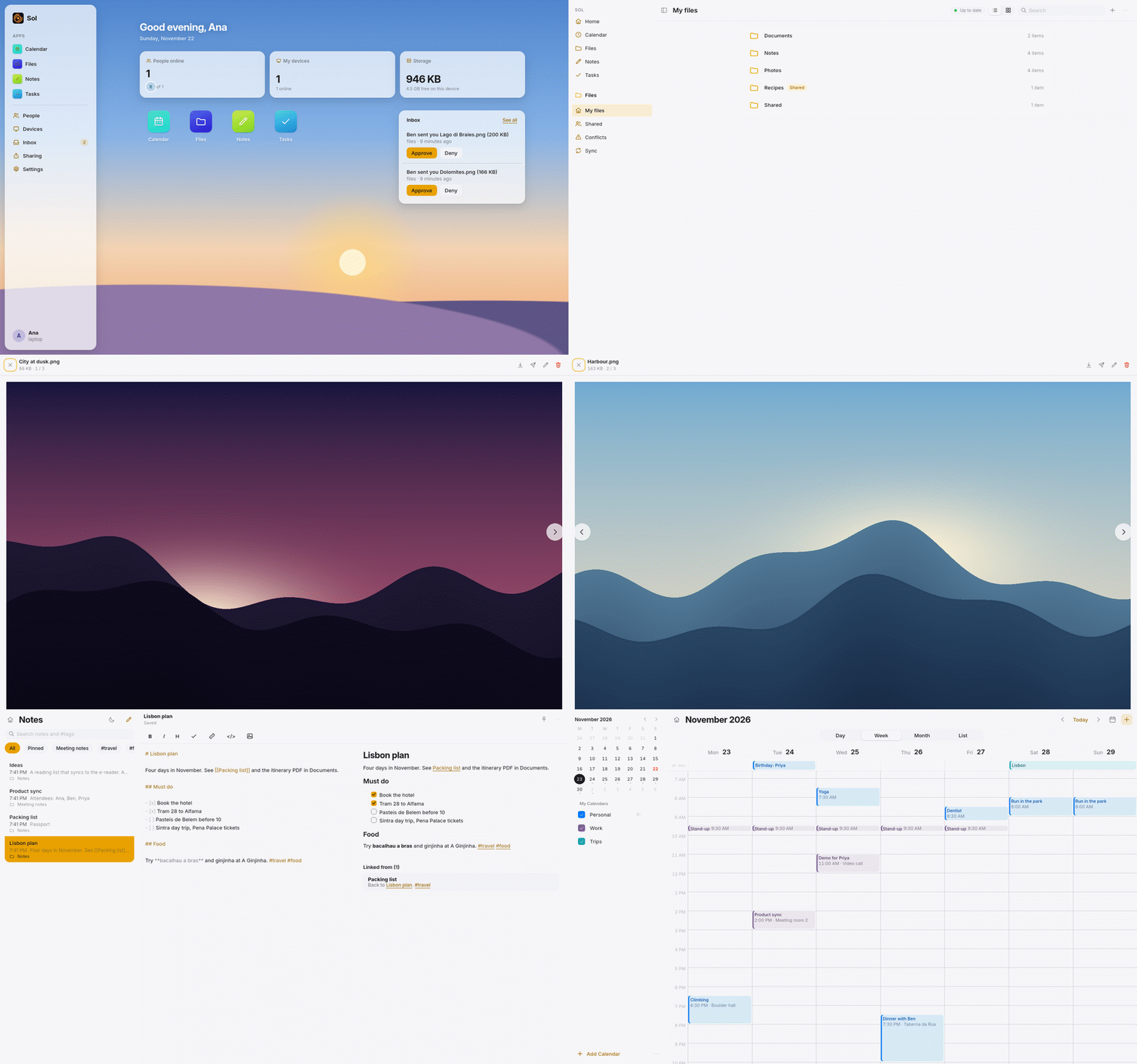
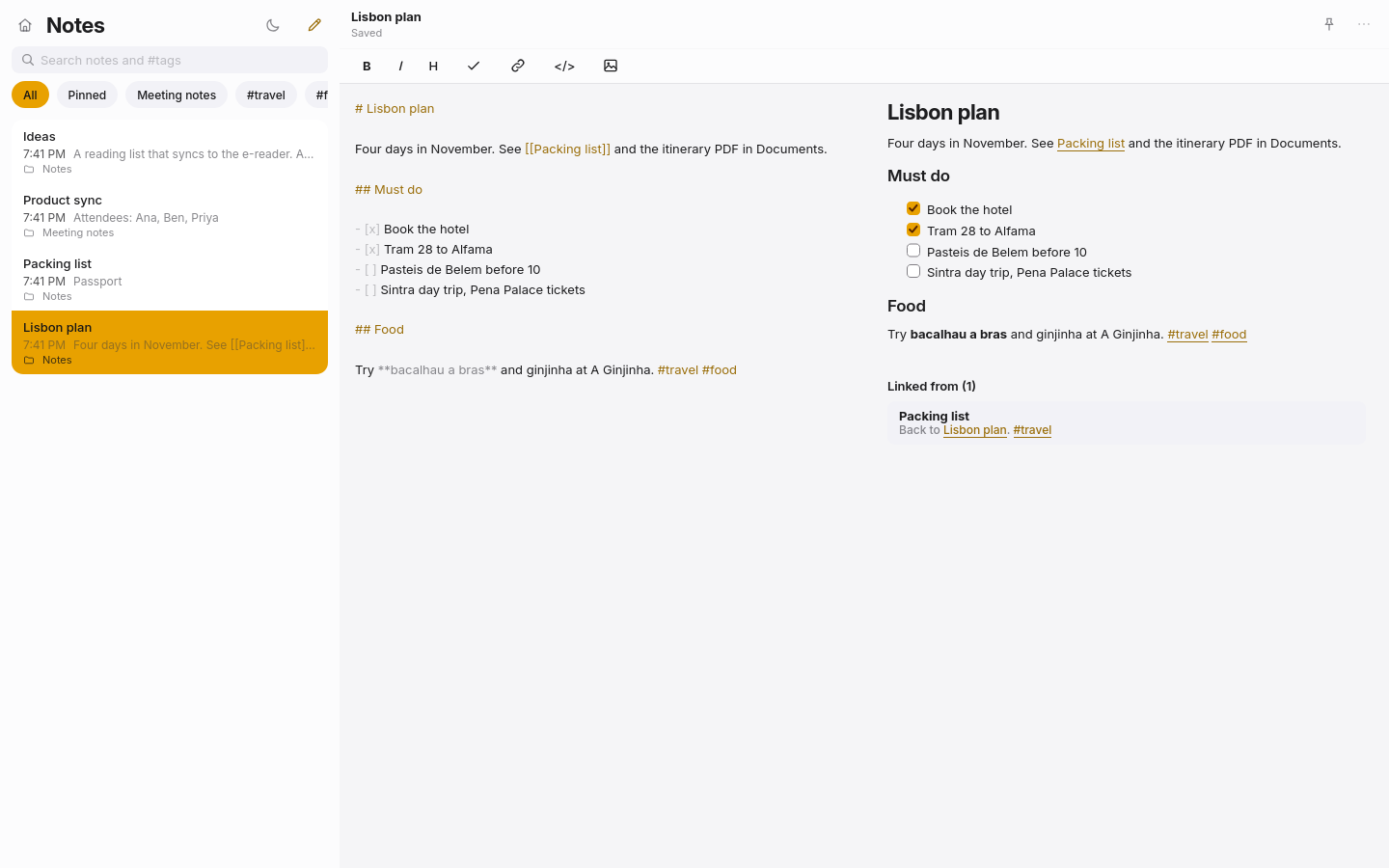
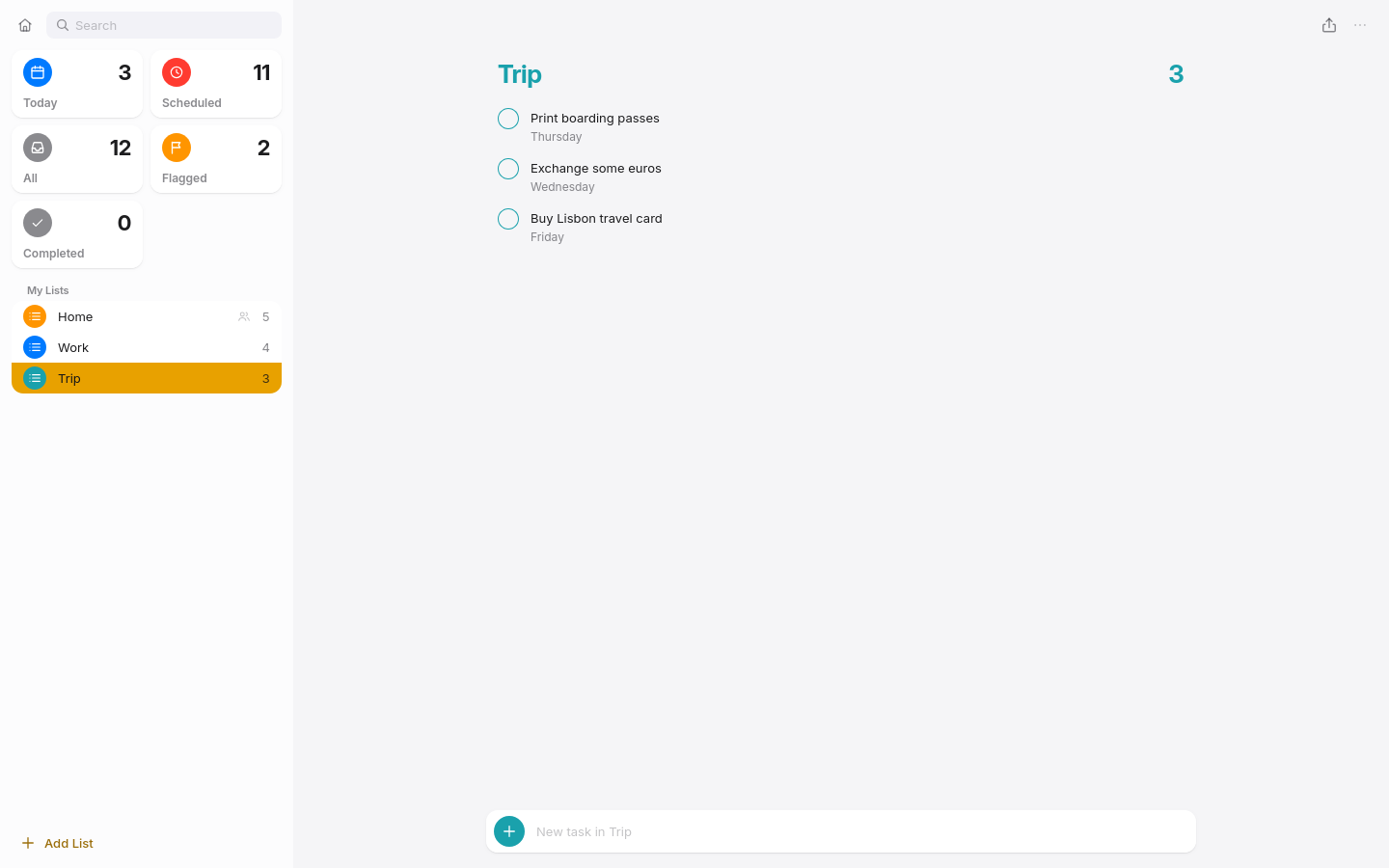
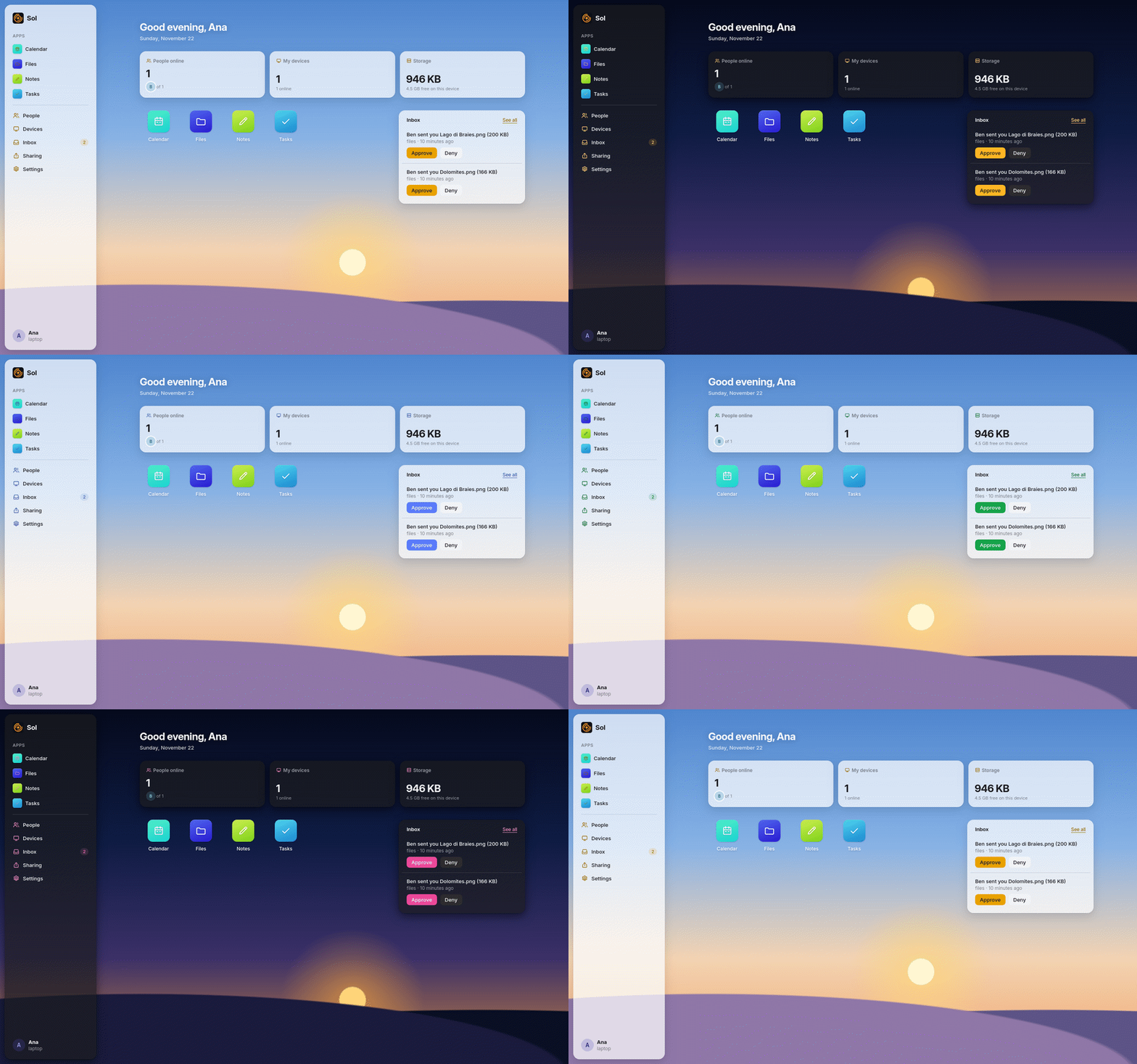
Sol connects your devices and the people you add directly to each other, over whichever path is best: WireGuard, a direct TLS connection, or Tor. There is no account and no server of ours in the middle. On top of that one layer run slim apps that do one job each: Files, Notes, Tasks and Calendar. They look and feel like one product, work offline from a local copy, and every action in them can also be run from a script or an AI agent.
Beta. The v0.2.0 betas are tested by their author on Linux, an Android emulator and an Android phone. There is no iOS app, and the macOS and Windows builds are lightly tested. See status.


What it does
- Your devices are one you. Pair a laptop, a phone and a server once. Files, notes, tasks and calendars sync between them, directly.
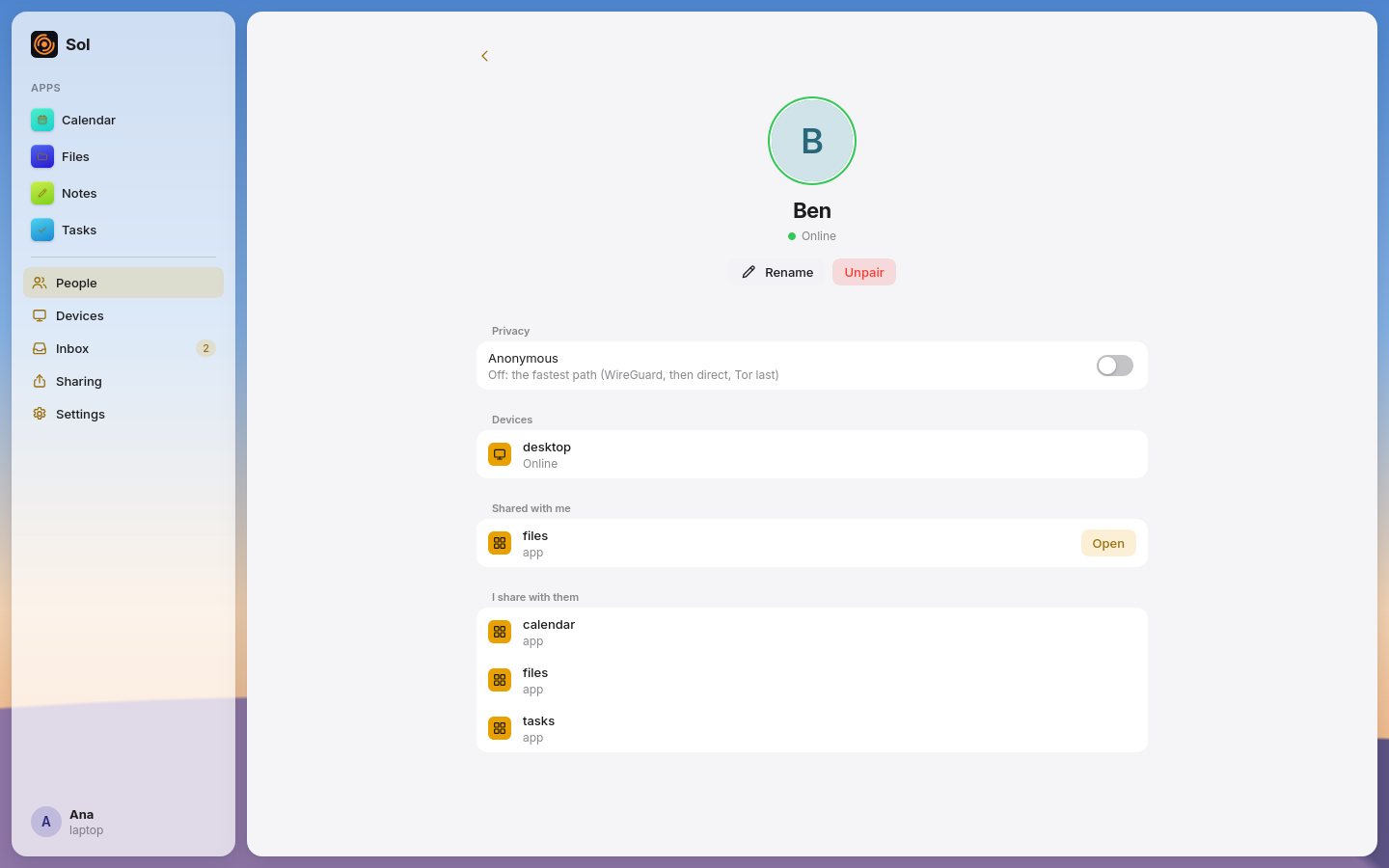
- People, not accounts. Add someone by link or QR code. Share a folder, a task list or a calendar with them, or send a file straight to them like AirDrop.
- No servers, no relays of strangers’ traffic. Strangers get no reply at all. Devices that can’t reach each other directly fall back to Tor.
- Anonymous contacts. A contact can be Tor only in both directions, and never learns an address of yours.
- Agent-native. Every action of every app is scriptable:
sol do tasks.add --quick "Pay rent tomorrow 9am", with--jsonand--dry-run. Give an agent a scoped key; destructive actions and sending files wait for your approval in the Inbox. - Apps that stay out of the way. Installable as web apps, with their own icons; Android home-screen shortcuts; local notifications with no push service.
- Port sharing. Share a local web app or SSH port with a person; they open it on their own machine.
- Nothing locked in. Files are a plain folder, notes are
.mdfiles, tasks export as Markdown checklists, calendars as.ics. - Small and auditable. Standard-library Go with one dependency (the official
wireguard-go), and web UIs with no build step.
Install
Linux and macOS
curl -fsSL https://raw.githubusercontent.com/apv022/sol/main/install.sh | sh
The script downloads the release binary for your system (Tor is built in), checks its SHA-256
against the release’s SHA256SUMS, installs it in ~/.local/bin and starts Sol. It never uses
sudo. The first sol names you after your OS account, creates your synced folder ~/SolDrive
and opens Sol in your browser.
Windows: download sol-windows-amd64.exe from the releases page, rename it sol.exe and put it on your PATH.
Android: download the APK from Sol for Android (releases on GitHub).
Then, in your browser: add a device or a person from Devices and People, share a folder from Files. The documentation walks through it.
Agents
sol do --help                                    # every app and action
sol do calendar.agenda --json                    # this week, machine-readable
sol do files.delete --paths Old --dry-run        # what it would do, changing nothing
sol agent new reader --scope 'notes.*' --days 30 --out reader.key
An agent key carries only the scopes you give it and expires. Actions marked as destructive, and
sending files to a person, pause with exit code 3 until you approve them in the Inbox (web,
sol inbox, or an Android notification). See agents in the docs.
Status
v0.2.0-beta.1 is the first release of the rebuilt Sol. It replaces the earlier proof of concept and is not compatible with it.
- Tested on Linux, an Android emulator and one Android phone by its author. macOS and Windows builds exist and pass the tests, but are lightly used. There is no iOS app.
- No independent security review yet. Reviewers are welcome: see the security review notes.
- First contact over Tor can be slow. Direct paths (WireGuard, TLS) are used whenever they work.
- Files survive only on devices. The 24 backup words restore your identity, not your files. Keep one device that is always on so there is always a copy.
- Planned, not built: Music, Movies, Chat and an agent app.
Documentation and help
- Documentation: using Sol, from setup to agents and troubleshooting, plus the design documents.
- Questions and ideas: Discussions. Bugs: Issues.
- Security problems: write to hello@solarae.io instead of opening a public issue.